
No products in the cart.
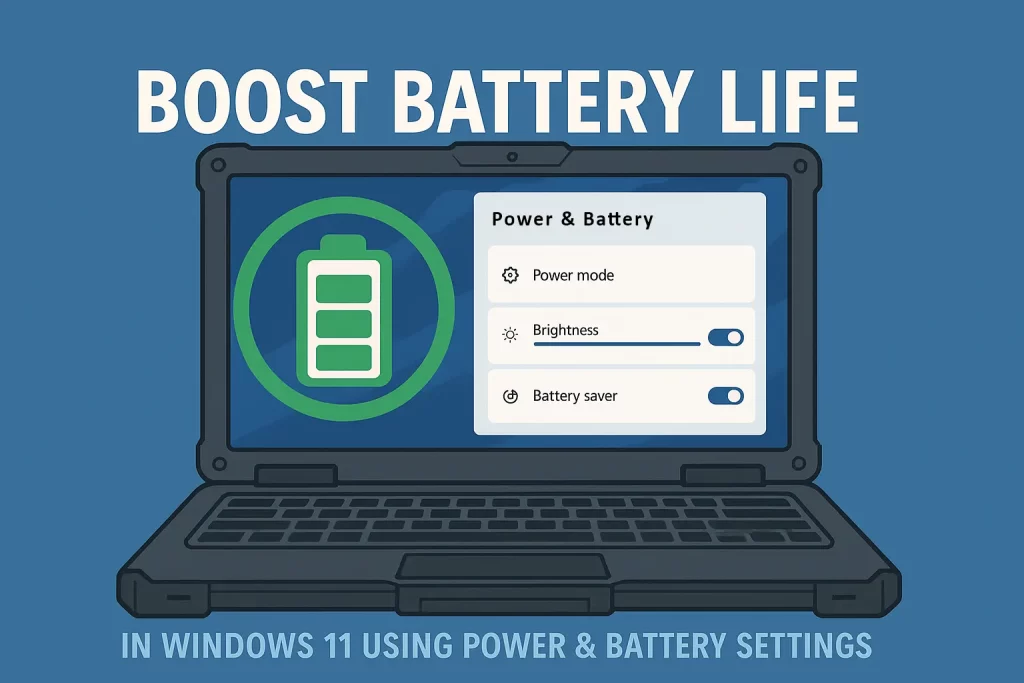
Get More Runtime from Your Rugged Laptop with Windows 11
If you’re looking to get more life out of your battery, Windows 11 includes several built-in settings that can help. These options are simple to activate and can make a big difference, especially when you’re working remotely or relying on your rugged laptop in the field.
How to Access Windows 11 Battery Recommendations
Follow these steps to access Microsoft’s built-in energy-saving suggestions:
- Click Start, then select Settings
- Go to System > Power & battery
- Scroll down and click on Battery usage or Energy recommendations
- Apply any of the suggested changes listed there
What Each Setting Does
Here’s a breakdown of the key recommendations and how they help you conserve power:
- Best energy efficiency mode: Reduces CPU performance and background processes. Great for general work like reporting, emailing, web browsing, or basic diagnostics use.
- Dark Mode: Saves a small amount of power on OLED/LED screens and is easier on the eyes.
- Lower screen brightness: The display is often your #1 power drain. Reducing brightness adds hours of runtime.
- Sleep after 10 minutes of idle: Automatically pauses your session when unattended. Great when the device is being used intermittently.
- Turn off screen after 3 minutes: Prevents unnecessary power usage when idle.
- Disable screen saver: Saves power by preventing animation or 3D visuals when idle, which is unnecessary on rugged systems.
Real-World Scenarios Where This Matters
Whether you’re using your rugged laptop for vehicle diagnostics, servicing equipment in the field, managing agricultural operations, or conducting survey work, battery life matters. Running out of power mid-task can interrupt the job, delay your workflow, and cost valuable time. These power-saving tweaks help you get the most from every charge, which is critical when you’re operating out of a ute, in a remote location, or between service calls with no charger in sight.
Want Even More Battery Life?
If settings alone aren’t enough, we’ve got hardware solutions that extend your field runtime:
- Dual or hot-swappable battery support (on many Getac, Panasonic, and Dell units)
- Extended capacity batteries
- 12V vehicle chargers
- USB-C PD power banks are compatible with select models
Need help choosing the right option?
Browse our accessories range or get in touch for advice.
Tip from the Revived IT Team
We recommend enabling as many of these settings as possible, especially if you’re away from your usual power source. Every tweak adds extra runtime, which might be the difference between getting the job done and getting stuck.
Need help setting it up? Contact us — we’re happy to guide you through it.